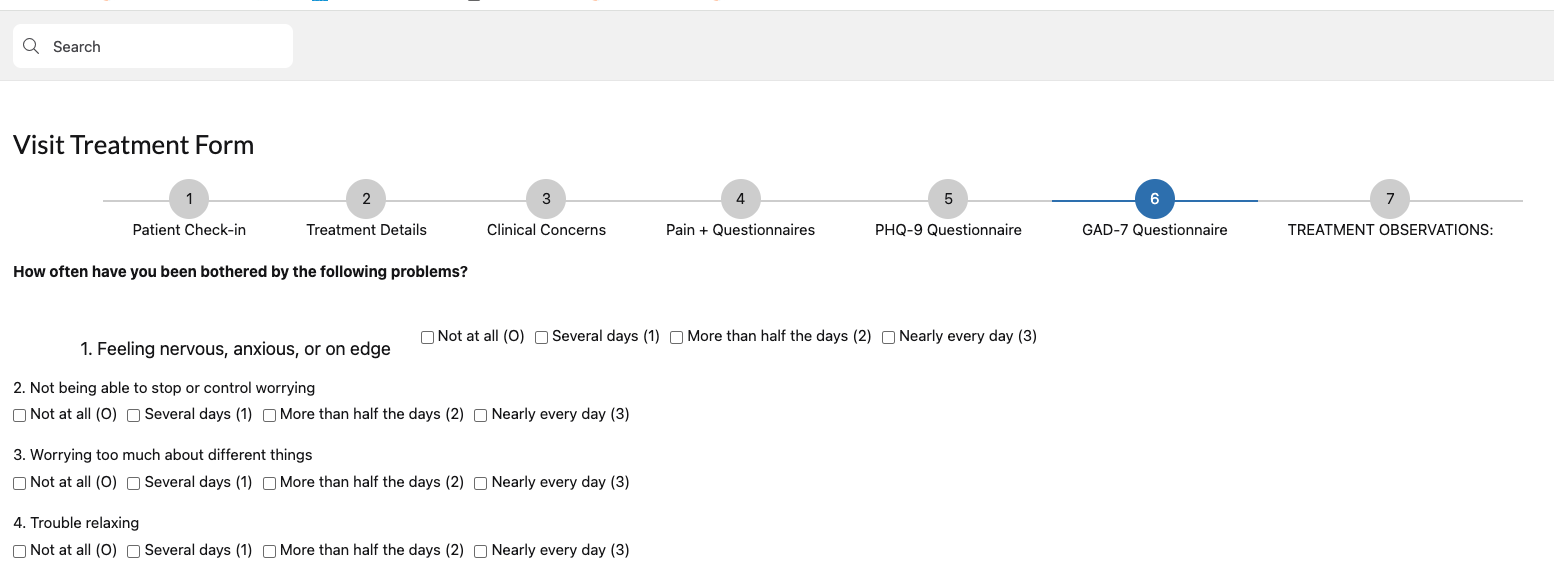
Is there a way to make the both the field label and the option label align evening. One is higher than the other. I tried all the choice available. I also tried css, which work on an earlier step of my multi step form. Please help.
Hi @legacydocs ,
I feel your pain! Yes you can do this using CSS.
To apply to all radio fields in a specific page, you can add this to the page’s CSS tab in the builder.
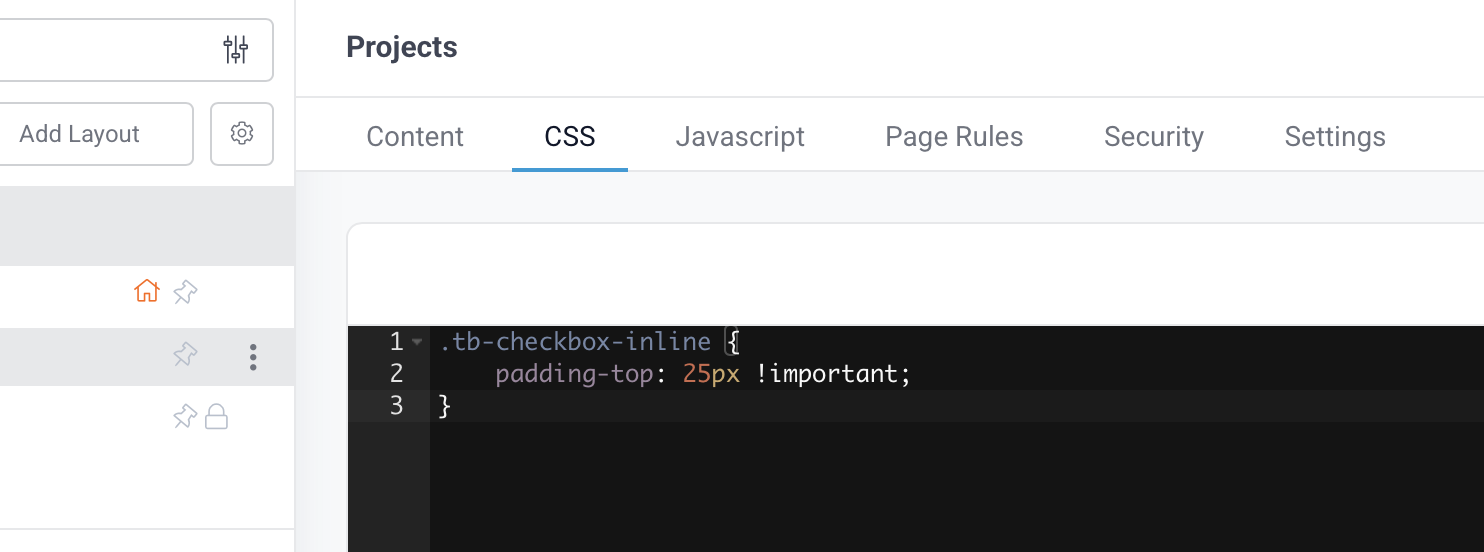
Copy-paste this:
.tb-checkbox-inline {
    padding-top: 25px !important;
}
It adds “padding” to the top of Checkbox fields, 25 pixels in this case (25px), to lower the field. This is the result:
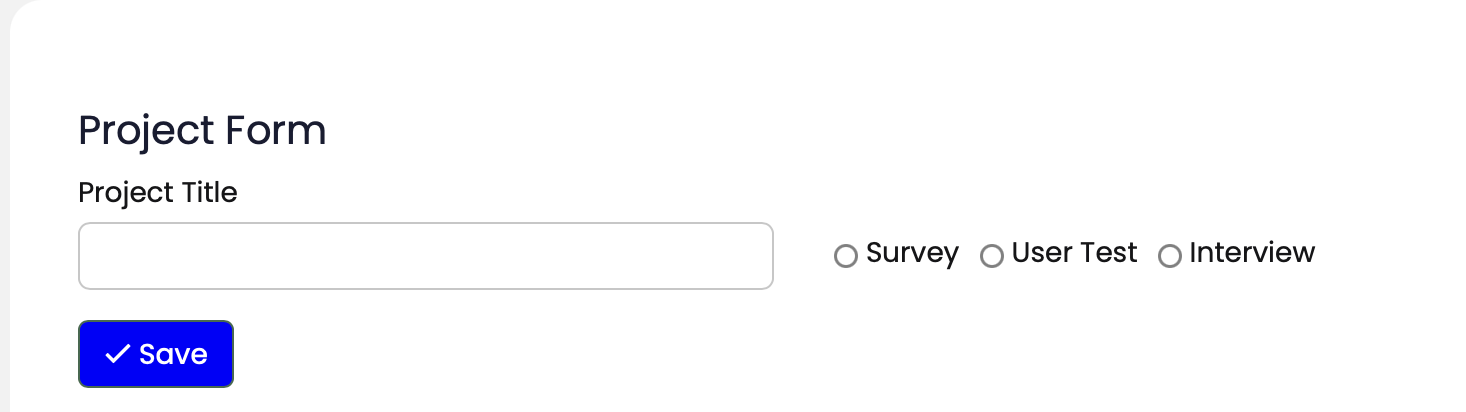
You can move the radio field higher by reducing “25”, or lower by increasing it.
If you want to apply this throughout your app, you can do so in Settings / Custom header/Footer Code, making sure you add before and after the same CSS.
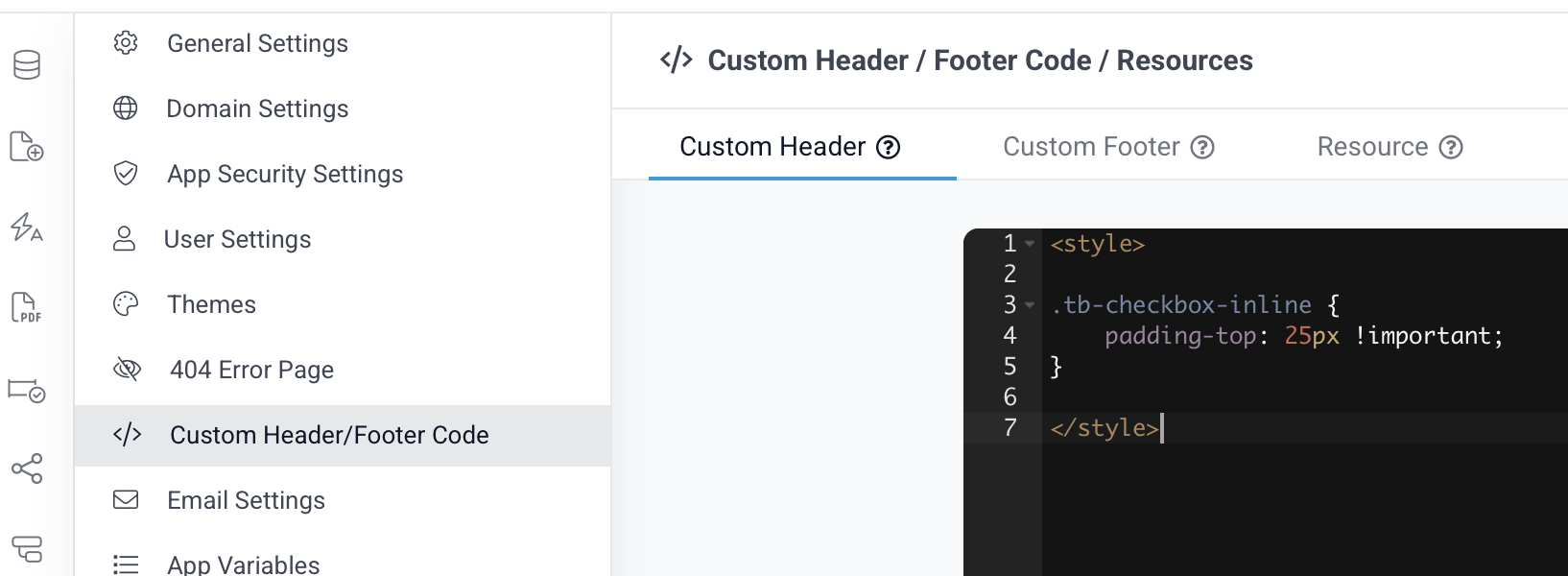
Copy-paste this:
.tb-checkbox-inline { padding-top: 25px !important; }I hope this helps!
Martin