I’ve not used Dynamic fields before but I am reviewing our system for excessive use of equations and looking to optimise with Dynamic Fields where possible.
Within HTML (basic and custom components) Dynamic fields are available from the dropdown of fields but they don’t work for me inside HTML. If I use them on a form they work as expected. Can you confirm whether that is correct and whether they may be extended to HTML?
Second question, how would you refer to different templates in HTML (if supported) or would you need a seperate Dynamic field for each value rather than using the templates?
If I use the API to query the Dynamic Field I believe I’m getting a collection returned and there appears to be values stored BUT i was under the impression Dynamic fields did hold data in the database so I’m a little confused, does it hold just the first default field ? Equally if it’s unsupported then that would be useful to know too please?
Can dynamic fields equations dynamically establish the status of a forms decision check boxes?
For example if you have a TAX/VAT check box could you have an IF statement in the dynamic calculation so when TAX/VAT is checked it calculates not just (quantity * cost) but (quantity * cost) * tax?
I tried this and numerous variations but couldn’t get it to play ball
also tried “if”, that worked to some extent but seemed to take record value rather than dynamic form value of the check box.
(I have previously used Javascript in the form to handle all the dynamic calculation but wanted to re-code with dynamic fields if that was possible, just to make the code more “supportable” and current.
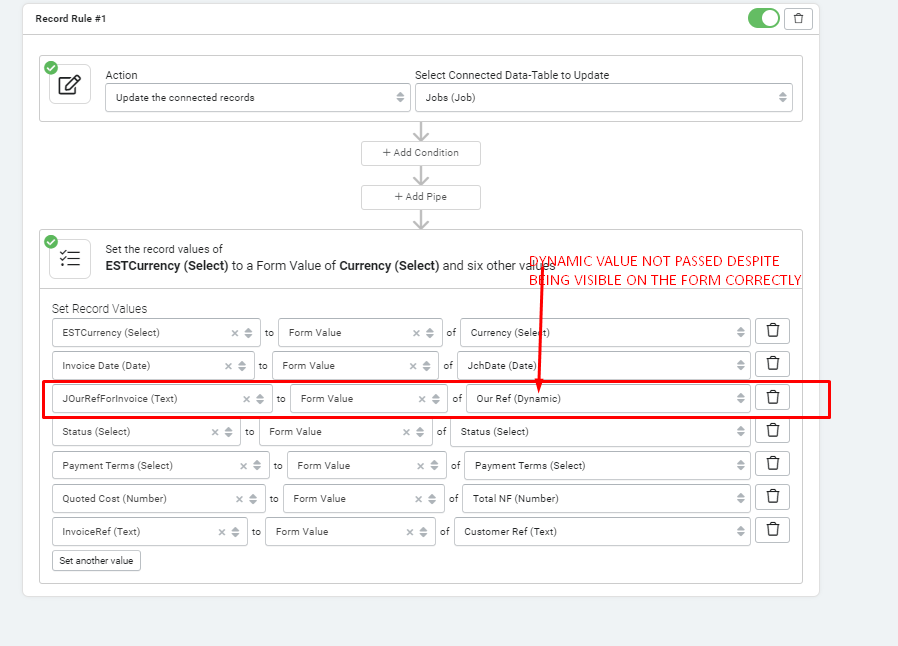
Dynamic Field values are correctly displayed on a Form Page but if you attempt to pass the value of the dynamic field (default template) to a Forms submit rule the value isn’t passed.
Dynamic fields don’t work in custom components, but you should be able to recreate whatever calculations you have in your dynamic field right inside the custom component using the Handlebars helpers.
Can you give us an example of what your dynamic field is doing?
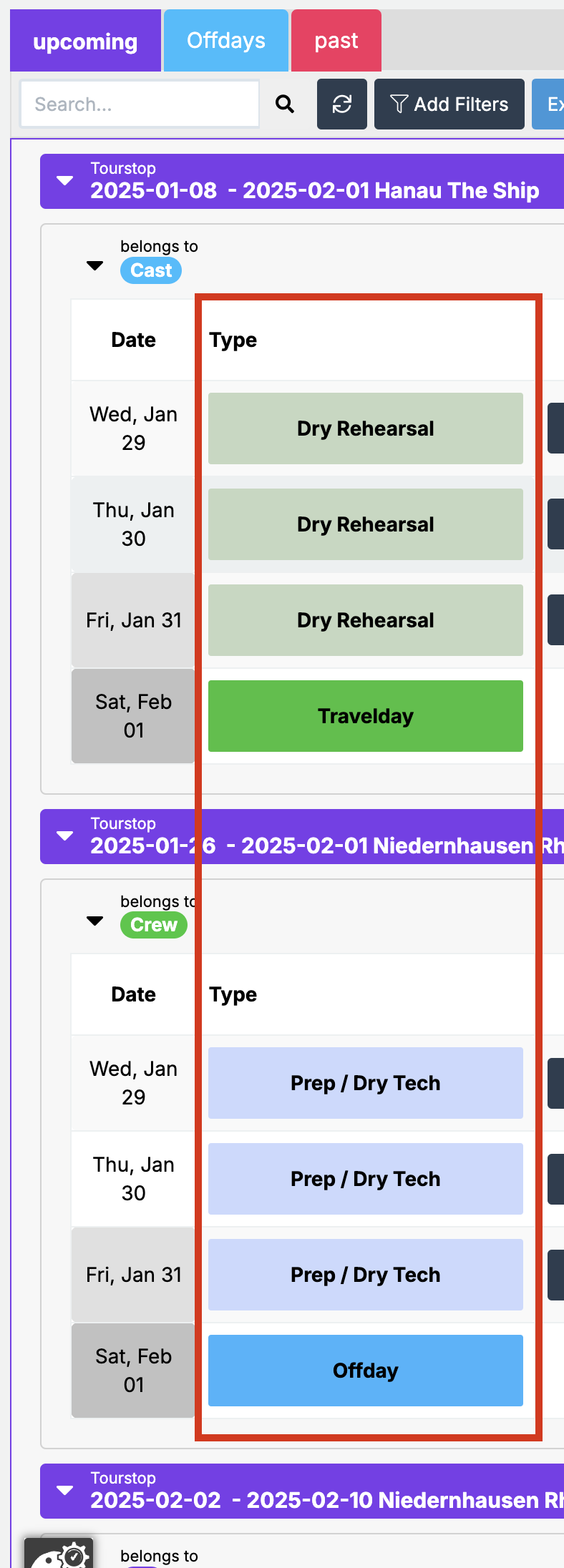
thats actually not entirely true. Dynamic Fields work in many more places than I expected. I started using it in Resource Components and even webhooks.
You can call a Dynamic Field inside of a custom component like this
This will only give you the default template, which is sort of a bummer but it works great otherwise. It’s very versatile and handy to hack some features into other components. I use it to get rid of a TON of display rules. It’s handy even in a custom component since using it like that gives me the opportunity to define design rules for a lot of components in one central place.
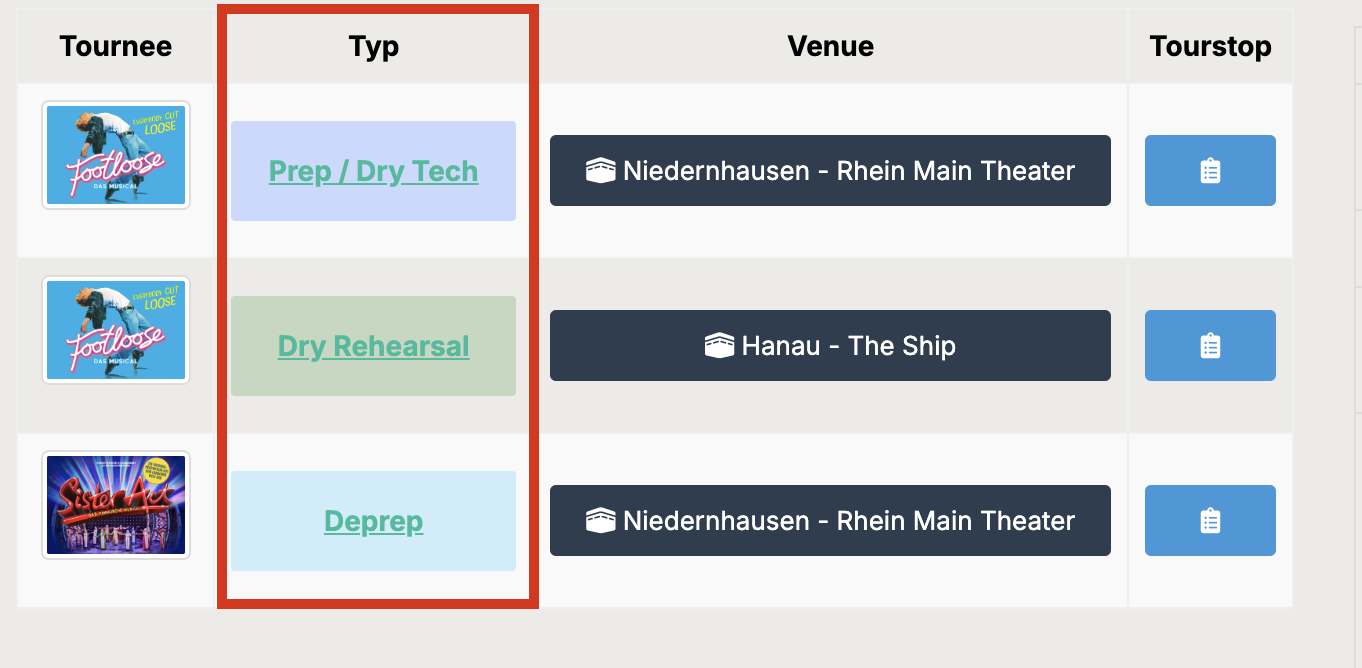
different field, since resource components always show all templates with some CSS added to hide the Template Title. again zero color rules used in the component
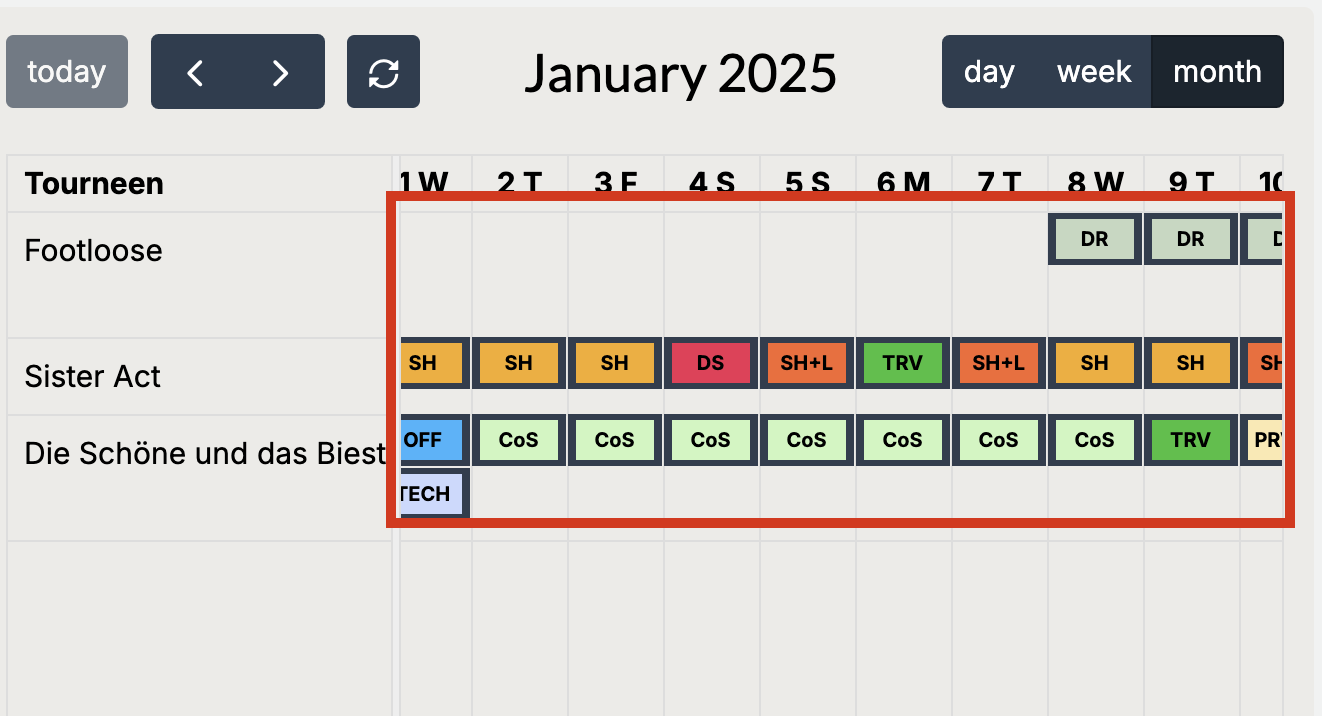
yeah, is it possible to make Dynamic Fields work in PDF-Generation? Currently i use a combination of Equations to get the HTML/CSS for coloring my Cells in place, dynamic fields would make that easier and lighter on the backend.
 …
…