Equations problems when combining fields

Hi,

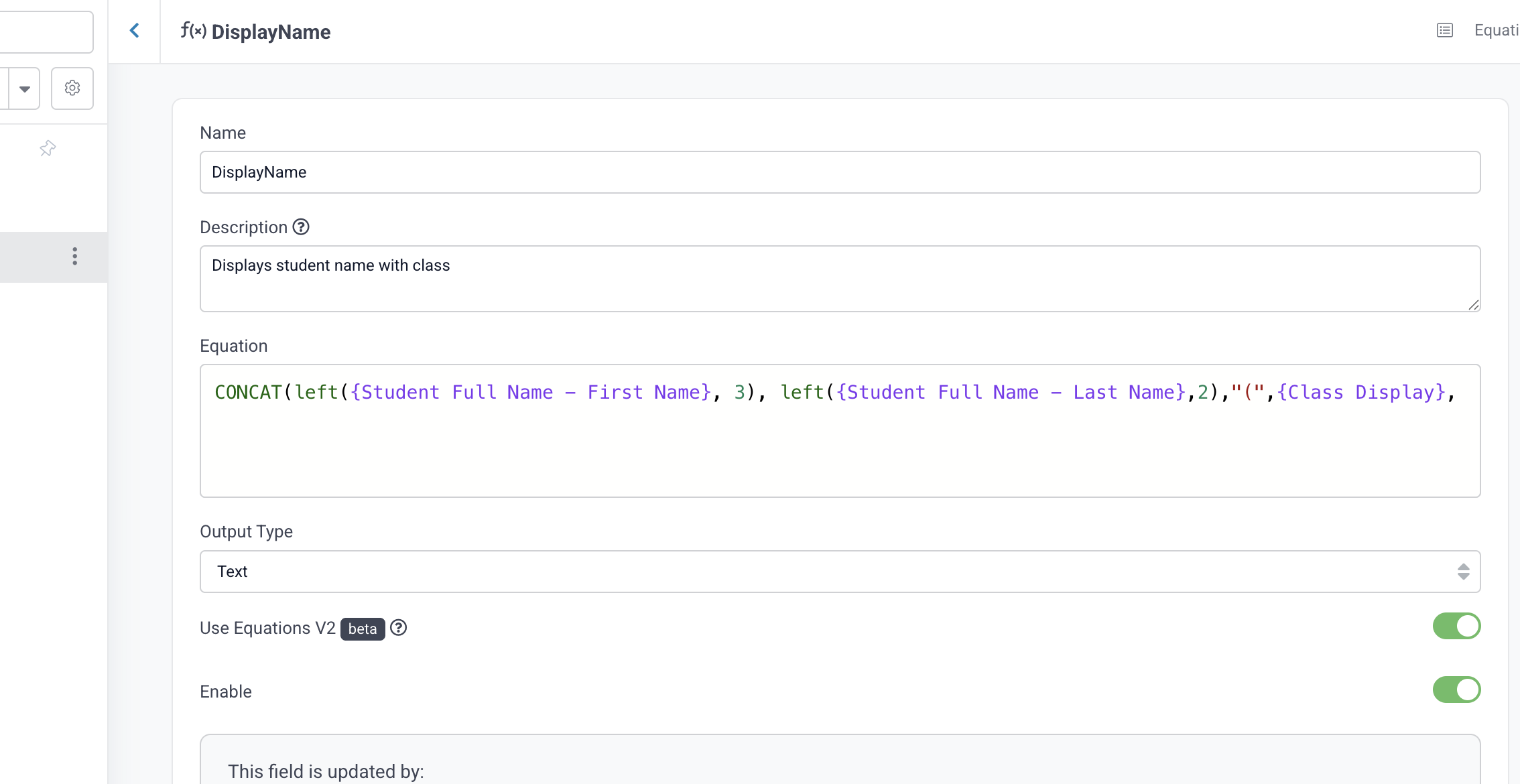
I’m trying to create an equation to display an slightly obscured version of a full name. When I use just one field it works as expected (see screen shot)

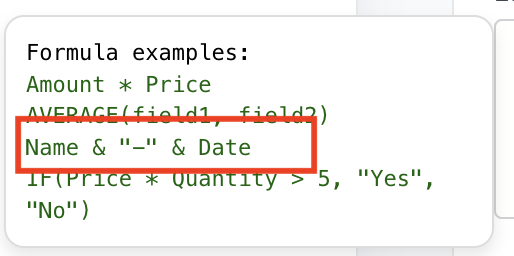
But when I try to combine two fields with the help of “&" I seem to just get a zero as the result. Ideally, the formula should return “Jam3” here.

Anything I’m missing here?

try this. You’ll need to update the fields: CONCAT(LEFT(SUBSTRING_INDEX({namefield}, ’ ', 1), 3), {classfield})

Thanks Tony!

Wrapping it all in CONCAT() solved it. Although I feel like I did just what the example told me to do. Anyways, thanks! :slight_smile:

@johankastanjeskolan apologies about that help text, that is not correct and will be fixed. You might also checkout the ‘Snippets’ that have many other useful examples as well. It’s a little button on the top right of the formula field.


Hi Moe and thanks for your reply.

I don’t believe I see any Snippets? Is this something that needs to be activated? I’ll attach a screenshot.