Hey @JesseTron, good questions!
I’ll share some CSS for changing the color and some JavaScript to fade out after X amount of time. Here’s how that will look.
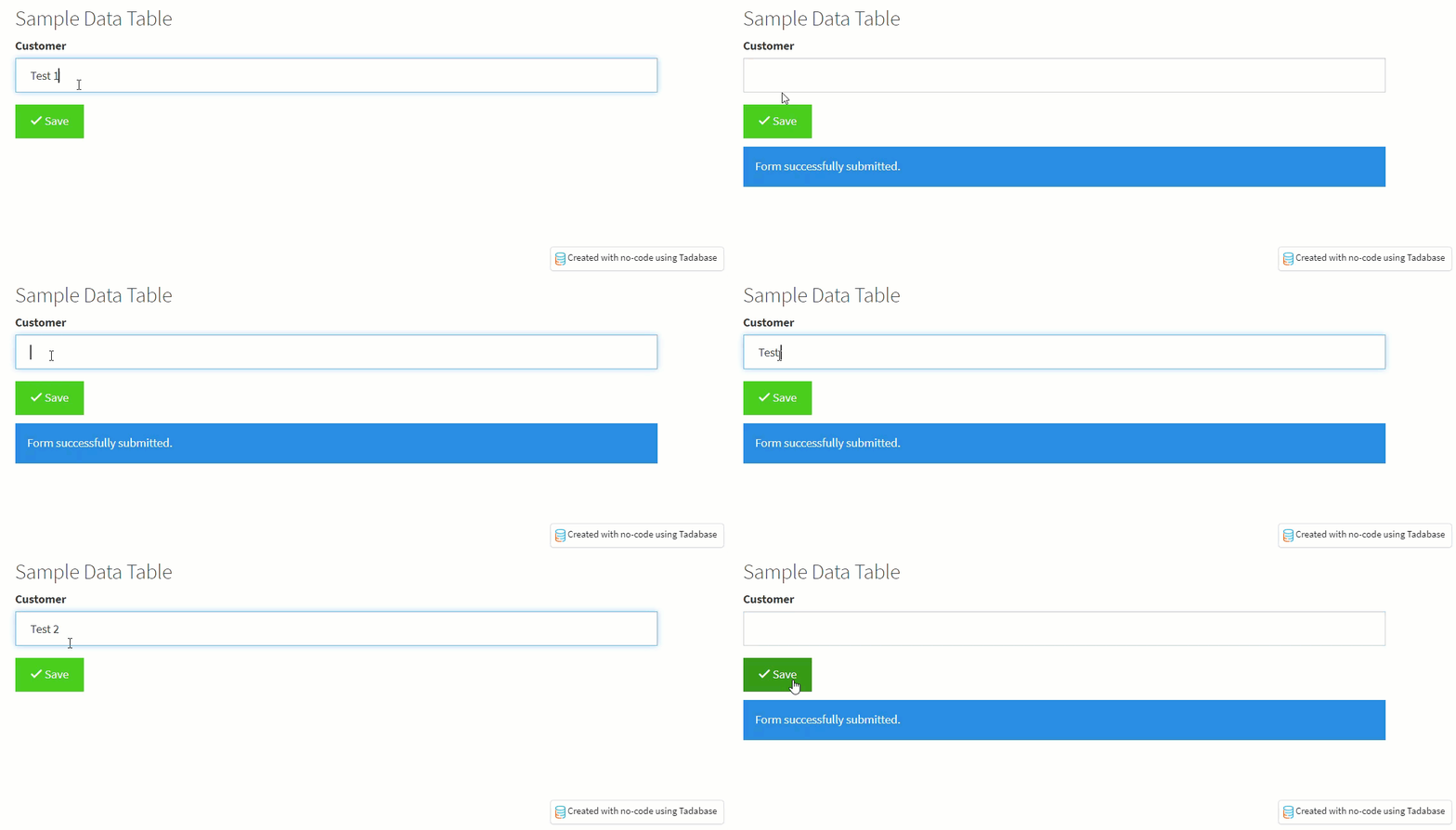
Below is the CSS for changing the color is as follows.
.form-process-message .alert{
    background-color: #1e88e5;
    color: #fafafa;
}
Simply change the HEX values #1e88e5 and #fafafa to any color you’d like.
Below is the JavaScript to have it fade out after X amount of time is as follows.
TB.render('component_ID', function(data) {
	data.ele.find('.af-form-submit').click(function(){
	    data.ele.find('.form-process-message .alert').css('display','block');
	    setTimeout(function(){
	        data.ele.find('.form-process-message .alert').fadeOut( "slow" );
	    },3000);
	});
});
Very Important Note: Change component_ID to your forms component id.
Change 3000 to any millisecond value you like
