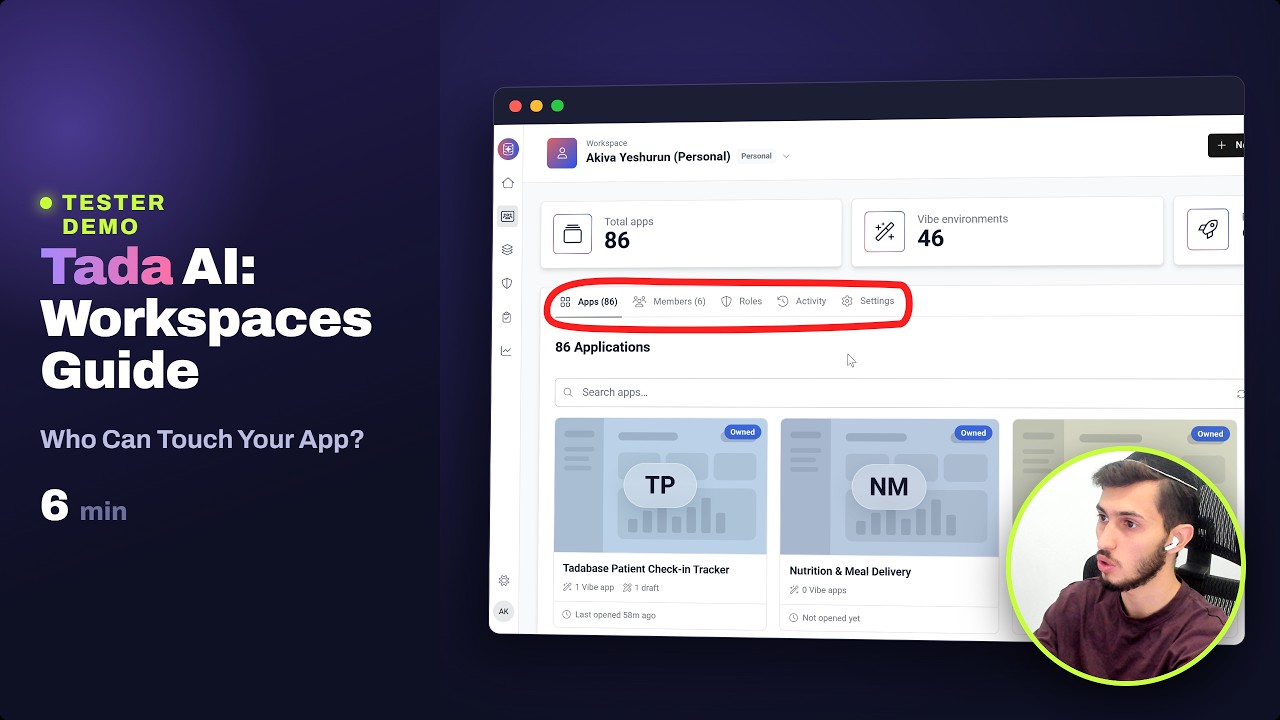
Really impressed with all the recent Tadabase development — particularly the work around workflows and the new functionality being added.
My #1 feature request, though, would be more HOW-TO content to go alongside these releases.
Not just documentation explaining what a feature does, but practical:
Step-by-step HOW-TO articles
Short videos showing it in action
Real-world use cases
Working examples showing how the pieces fit together
For me, the biggest challenge isn’t knowing that a feature exists — it’s understanding when to use it, how to use it, and seeing a good example of it being used in a real application.
I think this would make a huge difference in helping customers get more value from all the great functionality Tadabase is building.
Thanks for the list, Noel, and sorry for the quiet on our end. It didn’t get lost.
To answer your bump directly: yes, this is being actively worked on. The new Data Components are first, since they’re the top of your list and honestly where the current docs are thinnest. Today there’s one long article covering all eleven types and not much showing each one actually being configured. The plan is a proper guide per type (Table, List, Kanban, Timeline, Accordion, Cards, Chart, Map, Detail, Calendar, Pivot), each built around a real example app, with screenshots of the settings as they’re actually set rather than descriptions of them. Workflows, webhooks and DataBridge follow in that order.
I won’t put dates on it here, but I’ll post back in this thread as the first ones go up rather than leaving you to check.
One ask: when the first couple are ready, would you be willing to read them and tell us whether they answer the “when would I use this” question, not just the “how”? You’ve described that gap better than we have internally.