With mid-January just ahead and 2026 charging forward, let’s rein things in and see what the team’s been galloping after.
 Equations Reliability Update From Moe:
We know some of you have experienced situations where equations do not update when you expect them to. This issue is complex and highly intermittent, which makes it difficult to reliably reproduce, test, and fully validate in a controlled environment.
The good news is that we are now actively testing a major improvement to how equations run and refresh, and early results are very promising.
Within the next few days, you will be able to enable this new equations engine directly in your app. Because this issue tends to surface only under real world load, the true validation will come as it runs at scale across many apps.
We understand how critical equations are to your workflows. This is a top priority for us, and we are fully committed to resolving it and keeping you updated as the rollout progresses.
 Our engineers have added:
 Currency Masking:
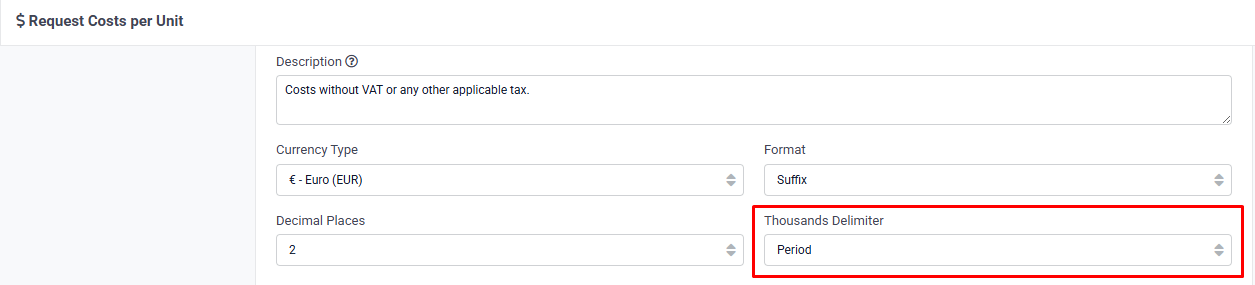
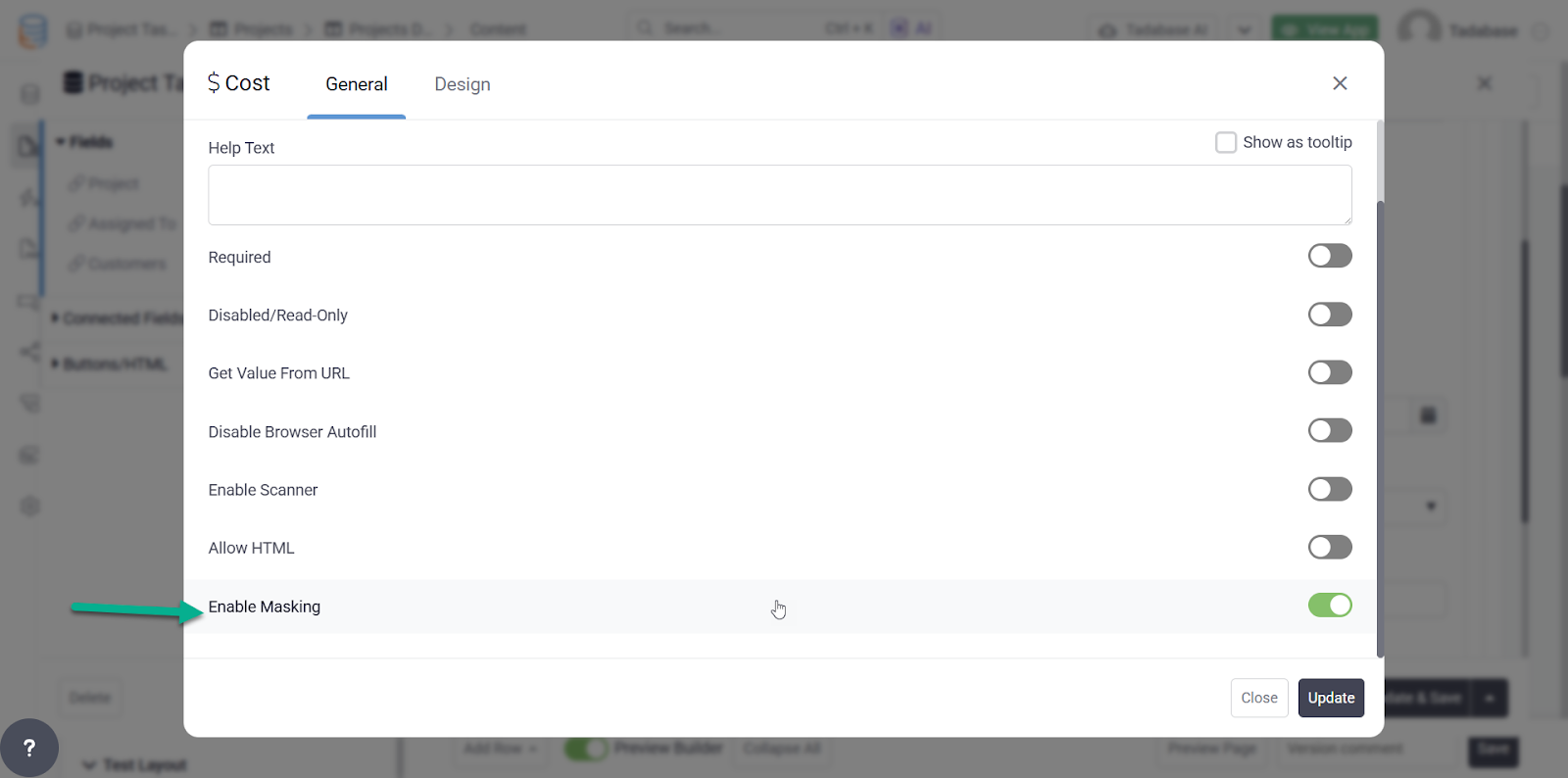
We’ve added currency masking to ensure currency values are displayed in a consistent, user friendly format while maintaining accurate underlying data for calculations and storage.
 Direct Imports from Incoming Webhooks:
You can now send data directly into your app using Incoming Webhooks, with no extra steps and no middle layers.
This new capability supports very large datasets (thousands of records in a single request) and can complete in seconds instead of minutes or hours.
If this feature is enabled on your account (available on Elite plans and higher), you’ll see a new Direct Insert option when configuring Incoming Webhooks.
This is especially useful for scenarios where a single webhook request needs to insert many records at once.
 Date Field Updates (Coming This Week):
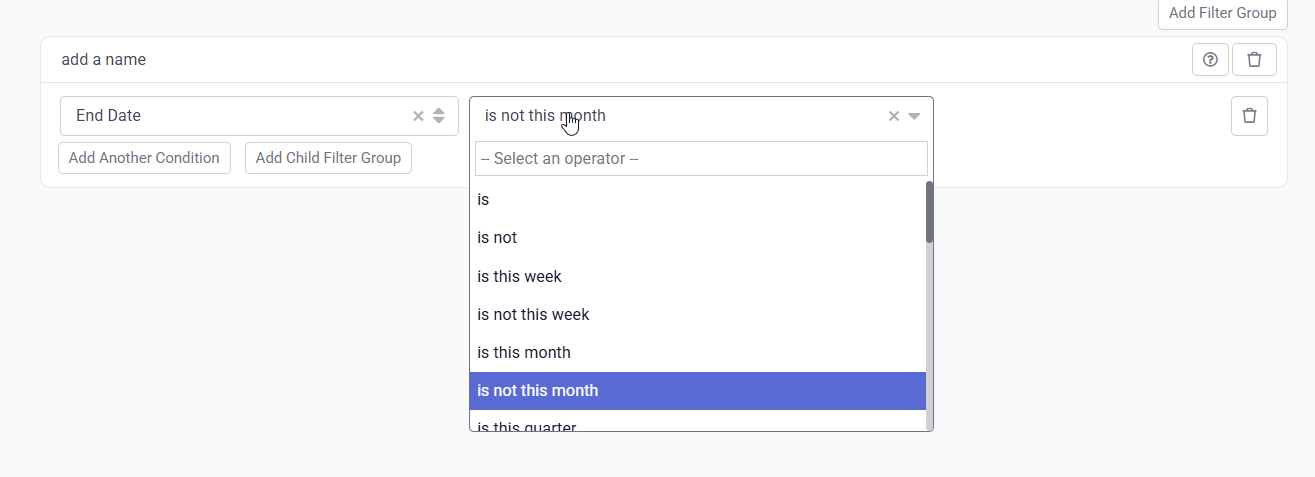
We’re adding new date filter options to make it easier to work with date based conditions. This includes quick selections like Last Week, Is Not Last Week, and similar relative date filters.
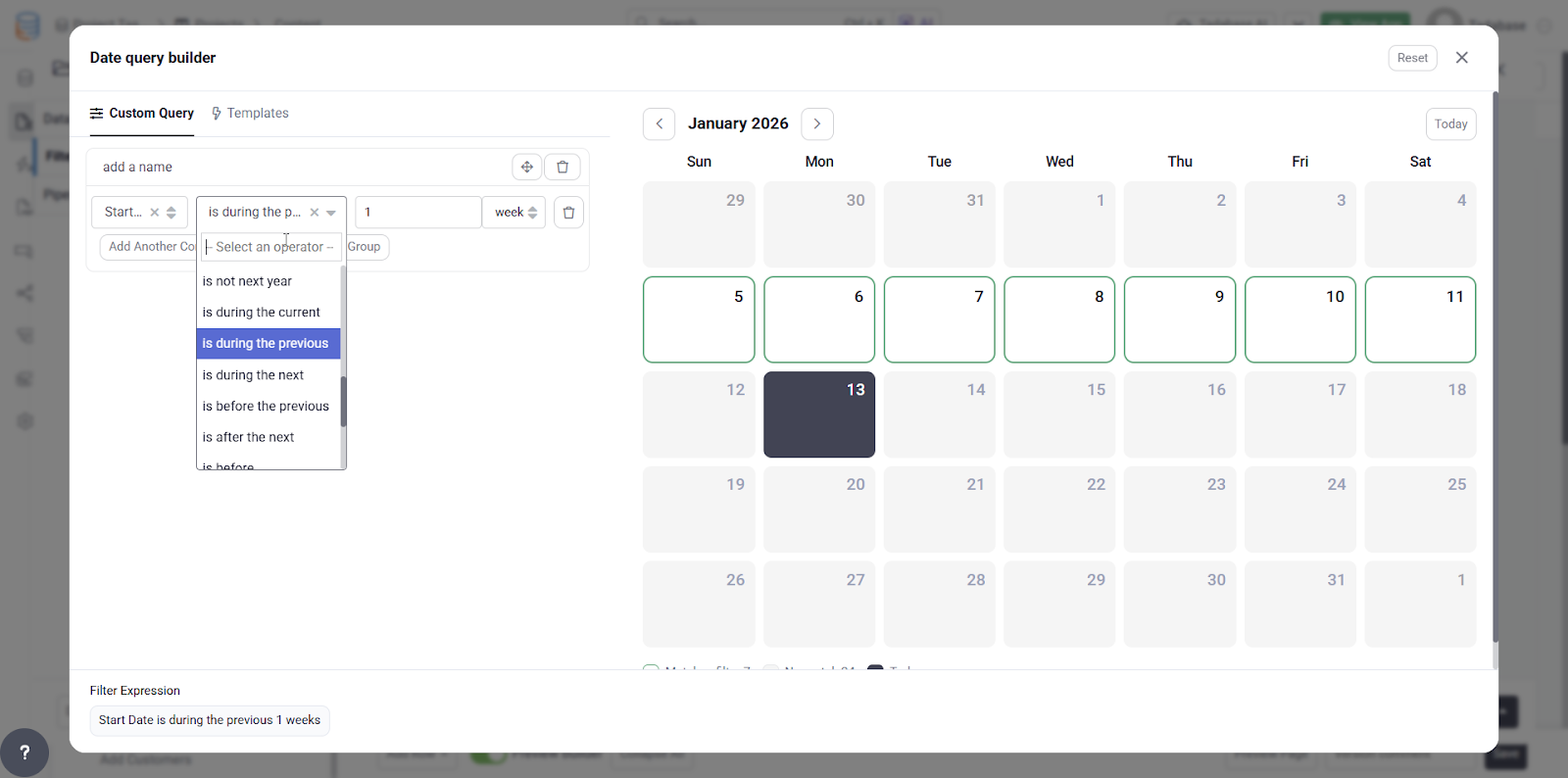
We also know that setting up complex date conditions can be tricky. To help with this, we’re introducing a new visual preview that shows exactly which dates will match based on the filters you define. This makes it much easier to validate your logic before applying it.
 Bug Fixes, including:
-
Fixed issues with copying large apps.
-
Resolved issues with advanced scheduled equations and timezones.
-
Applied several security fixes to improve platform stability.
-
Fixed SSO login failures caused by email domain restrictions that were blocking valid Okta users.
-
Fixed a Submit Rule issue for forms used in connected tables and added support for multiple action rules.
-
Corrected the Time field label, changing it from Date Format to Time Format.
-
Fixed an issue where the password date was not updating properly.
-
Resolved display rule issues for numeric input fields.
-
Fixed an issue where the phone field value was being cleared after saving a form.
-
Updated the Twilio SMS service to send raw phone numbers instead of formatted values.
-
Removed the Get Value From URL setting on Edit forms to prevent unintended overwrites.
For a complete list of fixes, see our release notes here.
 We’re holding our horses on this one, Tadabasers. Happy building and see you next week!