
 We’re ushering in October this week in all her colorful glory. While the world turns from green to gold, our team’s been busy unearthing a few golden nuggets of our own. Let’s dig in.”
 Our engineers are sharing:
 Formula & Action Link Updates:
- Formula Function Update: Automatic Slug Generation: Formula functions now automatically generate a slug, making it easier to reference and use them consistently across your app.
- Action Link Update: Remove Rollup Field Option: The Rollup Field has been removed from Set Record Values in Action Links, simplifying the available options and improving usability.
 Import & API Updates:
- Import V2 Update: Display Logic Improvements: Updated the Import V2 display logic for a clearer, more intuitive user experience when managing imports.
- API Update: Default Sorting: API requests now include a default sort order, making it easier to retrieve records in a consistent and predictable sequence.
 Advanced Scheduled Tasks:
Enhanced Scheduling: Improvements to Scheduled Tasks allow for more advanced automation, better timing control, and greater flexibility in running background processes. For example, ability to set a task to run daily but only on Monday through Friday. This is rolling out live soon.**
 System Optimization for Other Regions & Timezone Update:
-
Regional Performance Improvements: The system has been optimized to improve speed and reliability for users in regions outside the primary server location (US), ensuring a smoother experience globally (currently, UK, Australia, Israel and Canada).
-
Dynamic Timezone Placeholder: The previous timezone placeholder has been replaced with the current app’s timezone, ensuring all timestamps and time-based functions reflect the correct local time. This is behind the scenes update to optimize equations that depend on date/time filters. Note: if you change your timezone of the app, the equations at this time need to be manually re-saved.
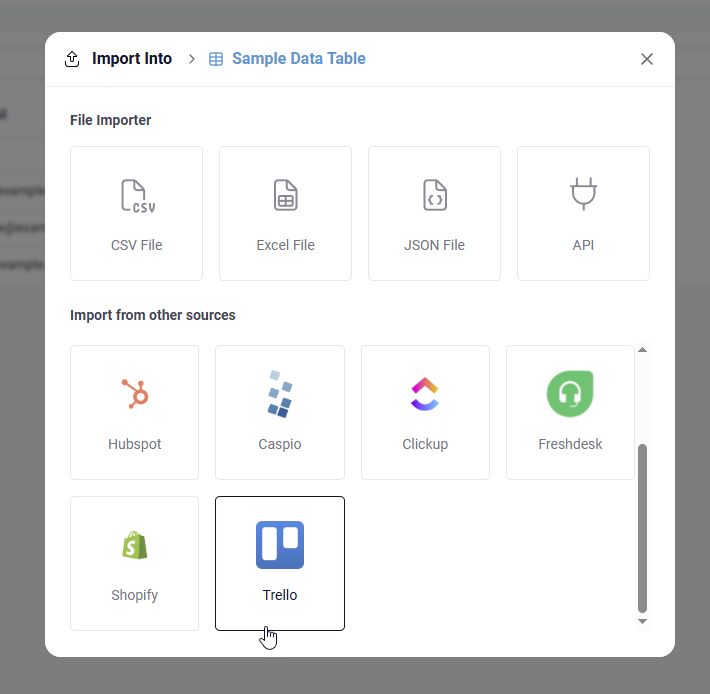
 New Trello Import
We’ve added a Trello Import option, allowing you to seamlessly bring your Trello boards and cards into Tadabase. This makes it easier to consolidate your project data and workflows in one place.
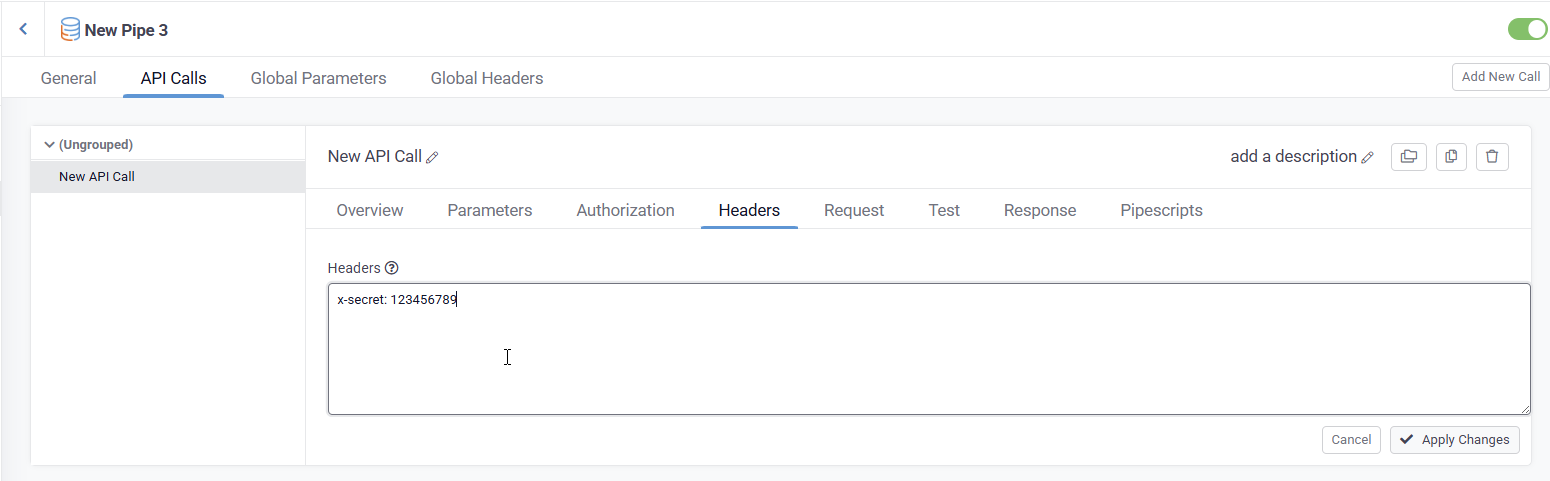
 Bulk Edit Pipe Headers:
When working with Headers in Pipes, you can now bulk edit or copy/paste headers directly into the editor. This makes managing multiple headers faster and saves time when configuring your pipes.
 That’s all we’ve got time for this week, Tadabasers. Happy building and see you next week!