
 August is melting away, so our team is serving up one more scoop of fresh updates before summer slips by. Let’s dig in.
 Our engineers have shared:
 Tada AI is Picking Up Speed:
We’ve had another exciting week with Tada AI, including some great demos and lots of helpful feedback from our early testers. If you haven’t tried it yet and would like access, let us know. We’d love to get more of you testing, building, and sharing your feedback!
Starting over the next week or so, you’ll also notice more of our weekly updates focusing on Tada AI and Studio as development continues to accelerate. Don’t worry, we’re still hard at work improving the core Tadabase platform too!
Thanks to everyone who’s been testing and sharing feedback so far. Keep it coming!
 Files & Attachments:
 File Naming Controls are now Live:
Building on the dynamic folder paths we introduced last week, we’ve added new File Names and Duplicates settings to File and Files fields, giving you more control over how uploaded files are named and handled.
You can choose to:
- Add the upload time to keep every file unique.
- Keep the original file name and automatically number duplicates.
- Replace an existing file on the record when another file with the same name is uploaded.
You can also add a dynamic File Name Prefix using values like App ID, Record ID, date, or table name, making files much easier to identify and organize.
 Pages & Builder:
We’ve added a couple of enhancements to make organizing and building your apps easier.
 Copy Components to Detail Pages:
You can now copy components directly onto Detail Pages, making it easier to reuse existing components without rebuilding them from scratch.
 New Apps List View:
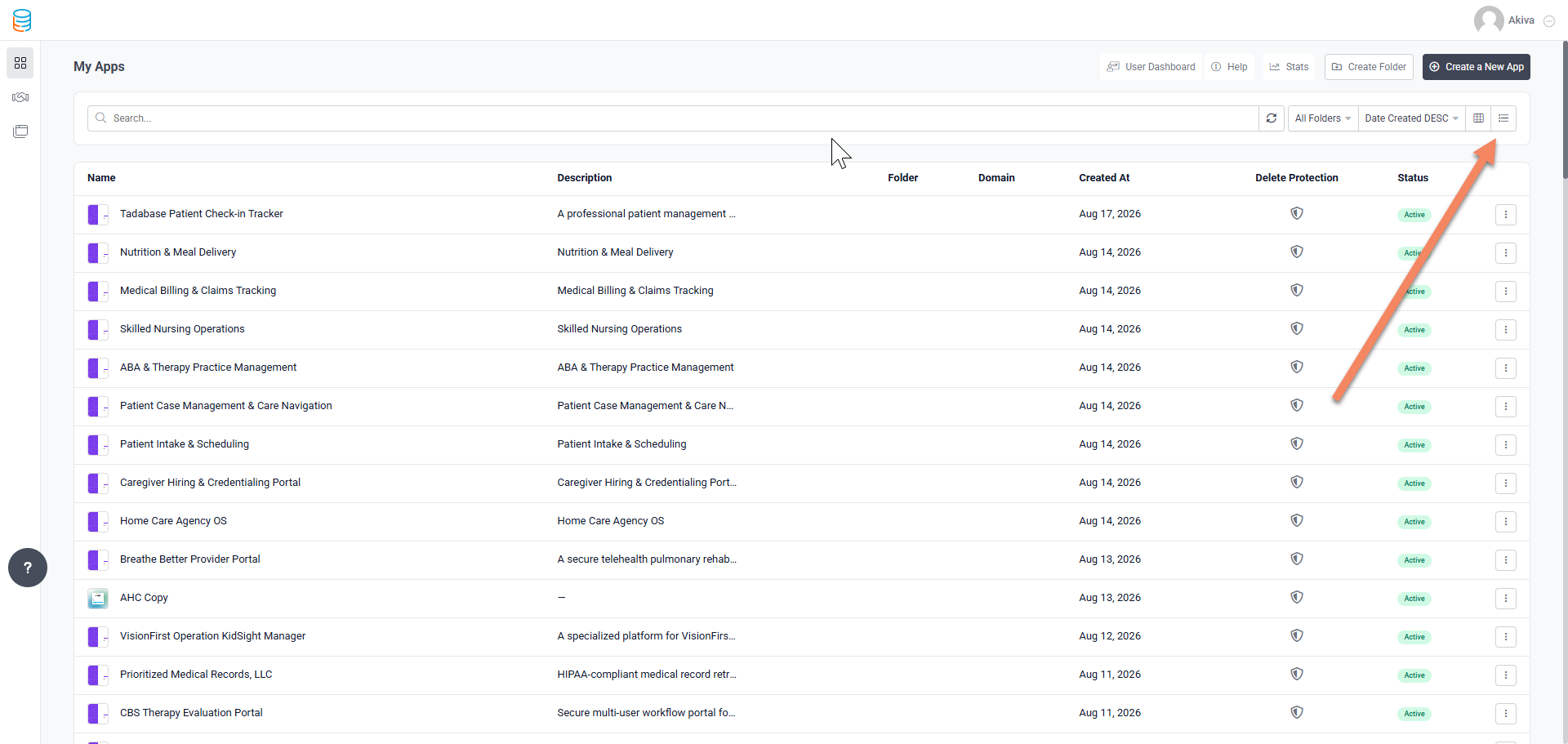
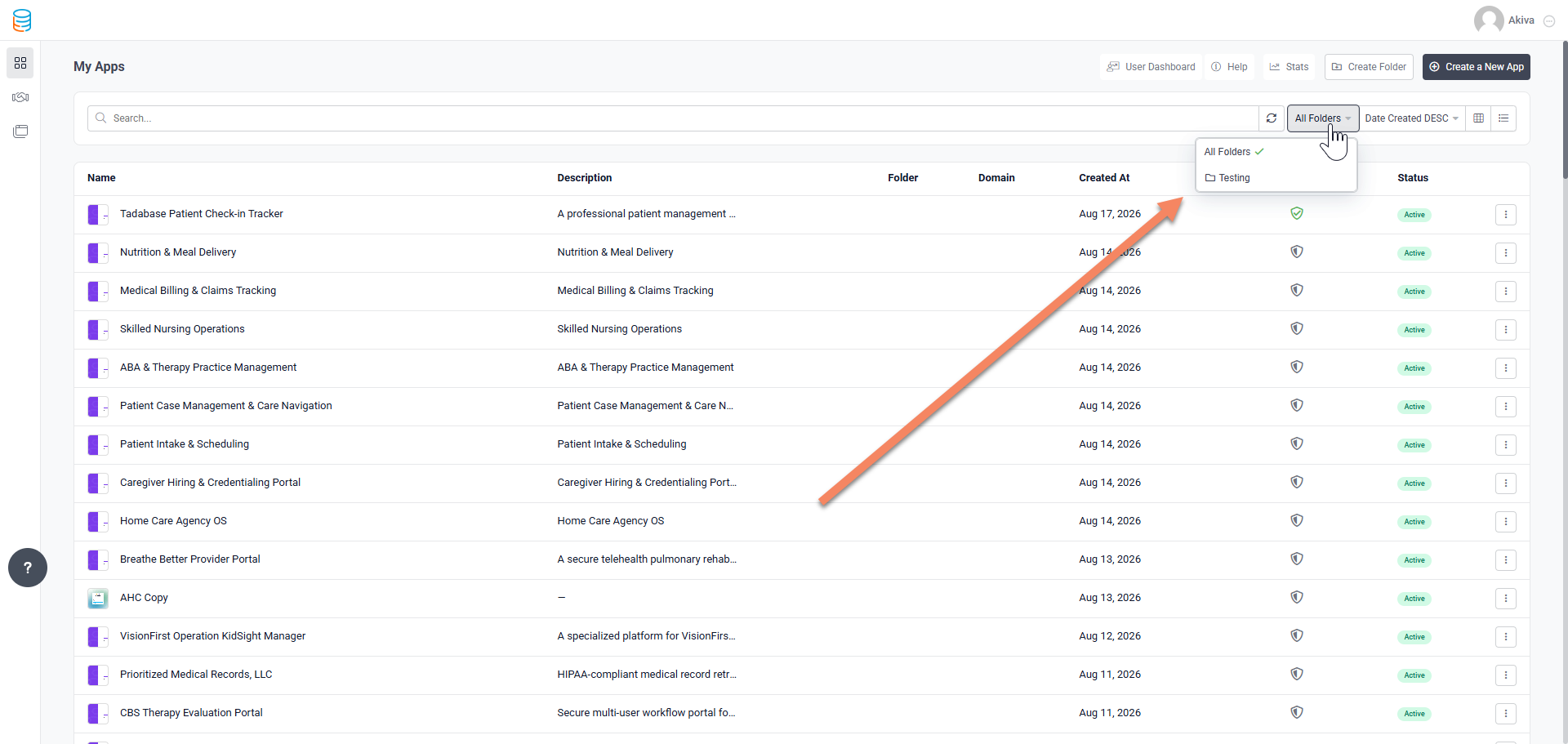
The Apps page now includes a new List View with sortable columns and folder filtering, matching the streamlined experience in Workflows.
 Delete Protection and Comments:
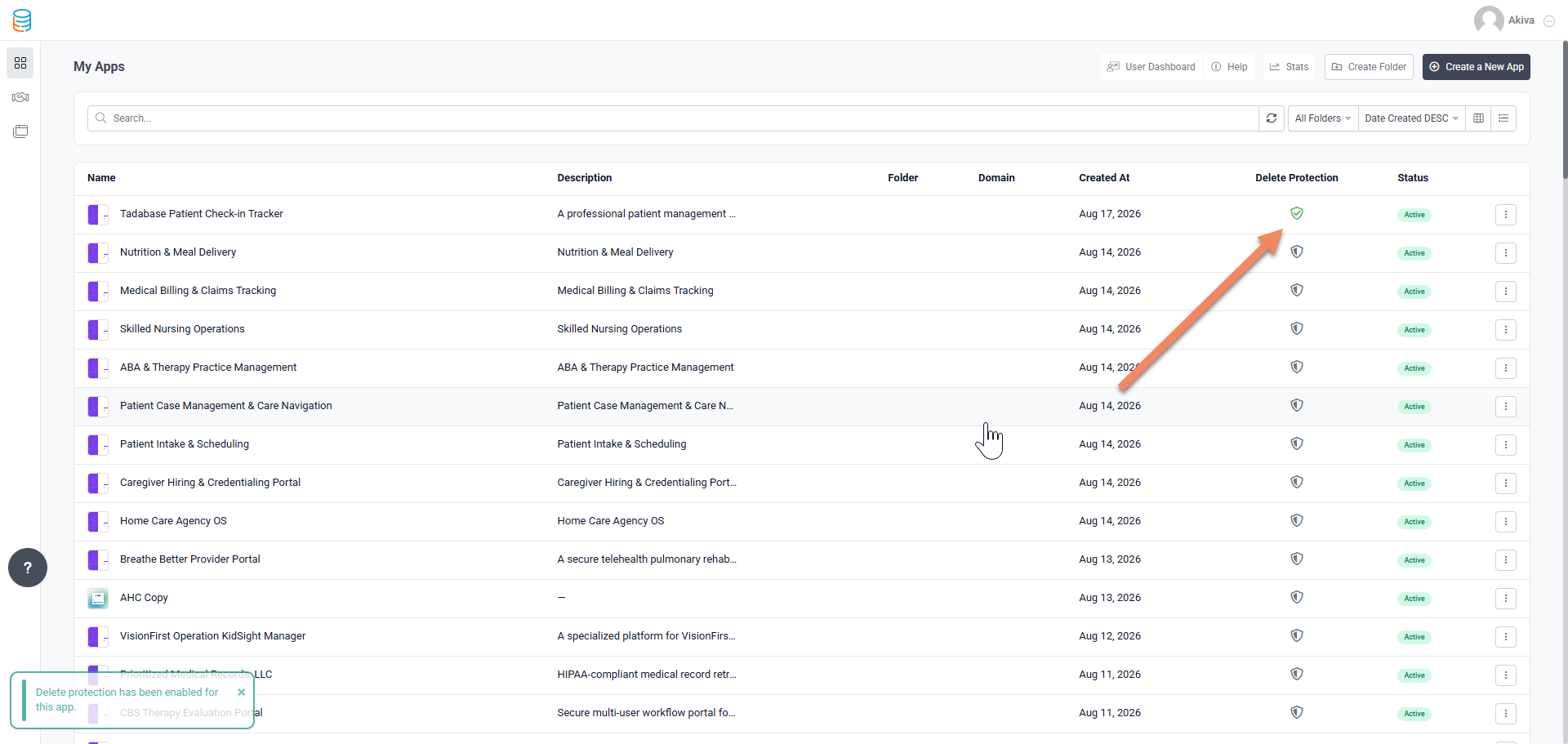
You can now add delete protection to an app so it doesn’t get deleted with a click or two. When deleting an app you’re now required to add a comment for logging purposes
Tada AI & Studio:
 Simplified Component Layouts:
Record lists are now separated into individual components based on their layout. For example, a Kanban page is now specifically a Kanban component, so you’ll only see the settings that are relevant to that layout. Existing pages will transition automatically.
 More Customizable Kanban Boards:
Kanban boards now support custom column titles, icons, and colors. You can also show, hide, and reorder columns, with hidden columns automatically excluded as drop targets.
 Builder Synced Settings:
Card, Chart, and Pivot settings are now pulled directly from the builder’s component definitions. Field options, conditions, and settings stay aligned between Tada AI and the builder, including support for Rollups, Equations, system fields, and Connected Table fields.
 More Field Display Controls:
You can now customize field titles or hide them entirely across tables, Kanban cards, and Detail views.
 Custom Empty States:
Charts and Pivots now support custom No Records Found icons, messages, and descriptions.
 Real Time Schema Updates:
Changes made to your data structure, such as renaming or adding fields and updating dropdown options, now automatically flow through to your generated app.
 Additional Component Enhancements:
We’ve also added more customization throughout Charts, Pivots, and Cards, including title icons, Pivot pagination controls, an improved icon picker, and more.
 Bug Fixes:
- Fixed Maximum Number of Files validation so files already saved to a record are correctly included when calculating the limit.
- Fixed Page Builder tabs being hidden behind the component toolbar.
- Fixed Select field validation causing forms to fail when saving.
- Fixed One to One Connection fields creating duplicate values.
- Fixed AI Prompt Record Rules crashing when File or Image fields were included.
- Fixed API record updates when saving a value of 0 or clearing a field with a blank value.
- Fixed Form Display Rules with Stripe elements, including forms failing to save when a Stripe element was hidden.
- Fixed several Chart and Pivot display issues, including labels, tooltips, secondary series, legends, Group By fields, and number formatting.
- Fixed the date picker to correctly display future years.
- Fixed restricted and masked fields to remain protected across Tables, Detail views, and Edit Forms.
- Improved dashboard reliability so an issue with one widget no longer prevents the entire dashboard from loading.
- Fixed AI feedback and token cost information appearing before a build was fully completed.
For a complete list of fixes, see our release notes here.
 That’s the scoop for this one, Tadabasers. Happy building and see you next week!